See it on your own footage
Drag the slider. Same clip, before TrackHero and after.
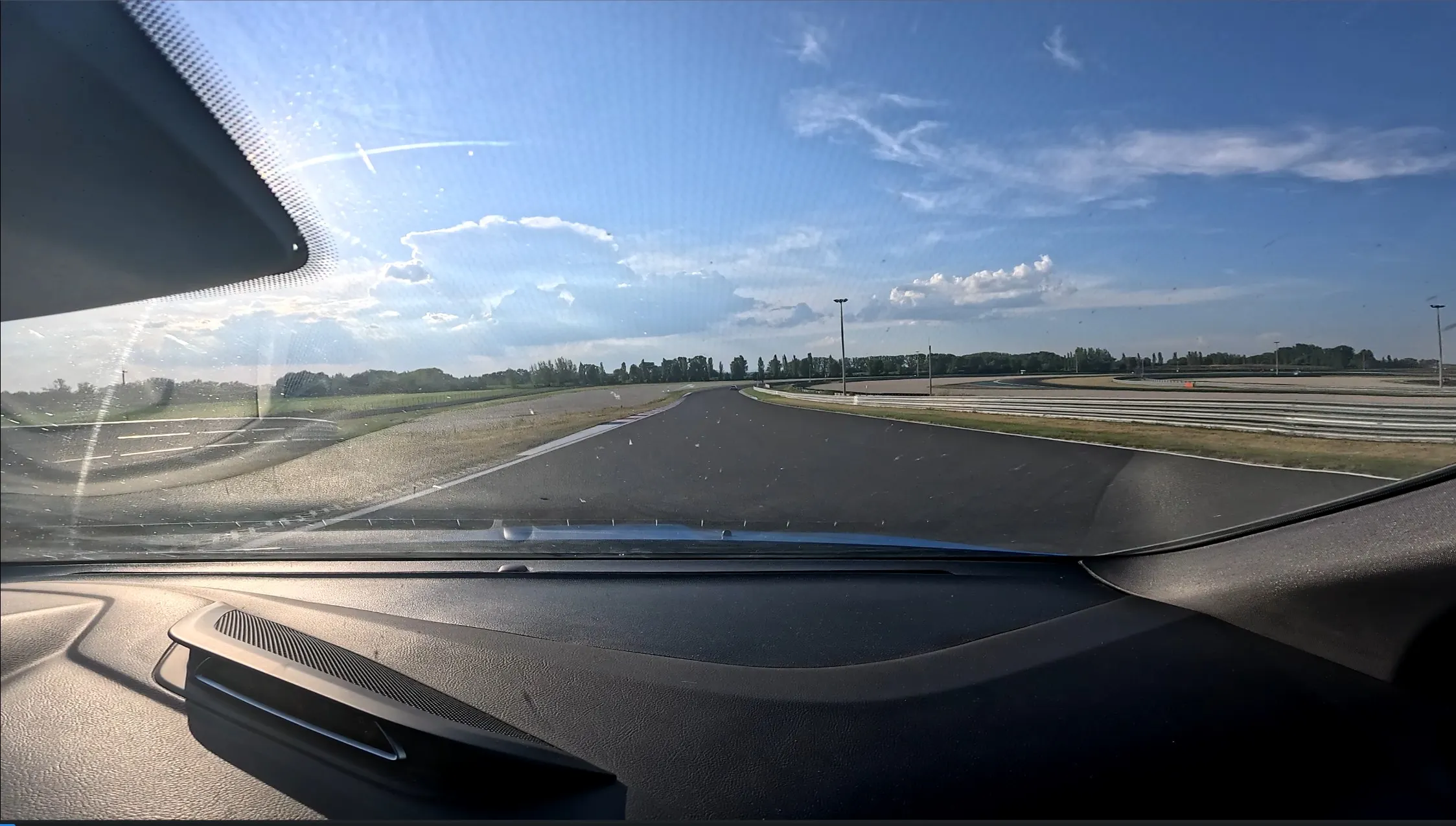

Track-day video overlays
TrackHero syncs your GPS logger or GoPro telemetry with your onboard video and renders a speed, G-force, and lap-timing overlay straight into the footage. No install, no account, and nothing ever leaves your machine.
Try TrackHero, freeRuns in Chrome on desktop. Works with RaceChrono, VBOX Motorsport, Dragy and GoPro.
TrackHero is a free telemetry overlay tool that runs in your web browser. It takes a GPS session, either a .vbo from RaceChrono, VBOX Motorsport or Dragy, or the telemetry already embedded in a GoPro MP4, syncs it against your onboard track video, and renders speed, G-force and lap-delta gauges directly into the footage. There is nothing to install, no account to create, and your video never leaves your computer.
Drag the slider. Same clip, before TrackHero and after.
Load a .vbo session from RaceChrono, VBOX Motorsport, or Dragy, or just a GoPro video, since GPS and G-force come straight out of its embedded telemetry. Sync it against your onboard video on a simple timeline, customize the overlay, and export a finished MP4 with your speed, G-forces, and lap deltas burned in.
.vbo files from RaceChrono, VBOX Motorsport, Dragy, or similar.
Drop in a GoPro MP4 and TrackHero pulls GPS and G-force straight from its embedded telemetry, no separate logger needed.
Load a VBO and any onboard video side by side for the full overlay, including lap timing and deltas.
TrackHero reads GPS sessions in the VBO format, and telemetry embedded directly in GoPro footage. If your logger can export a .vbo, it will work.
| Source | File | Channels |
|---|---|---|
| RaceChrono (Pro) | .vbo export | GPS position, speed, lap times, G-forceExport the session as VBO from the RaceChrono app, then drop it into TrackHero. |
| VBOX Motorsport | .vbo | GPS position, speed, lap times, G-forceThe native VBOX logging format, used straight off the logger. |
| Dragy | .vbo export | GPS position, speed, lap timesExport from the Dragy / Dragy Lap app in VBO form. |
| GoPro | .mp4 (embedded GPMF telemetry) | GPS position, speed, accelerometerNo separate logger needed, since the data is already inside the video file. |
Every overlay element is optional and only shows up when there's data for it.
A circular speed gauge with a needle that turns red near top speed, plus a G-force plot scaled to your session's peak G.
A running delta against your own best lap in the session (green when you're ahead, red when you're behind), with your current PB time.
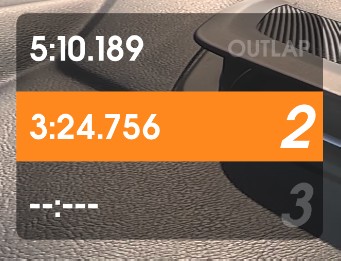
Your last four laps at a glance, with outlap/inlap badges and your fastest lap highlighted.
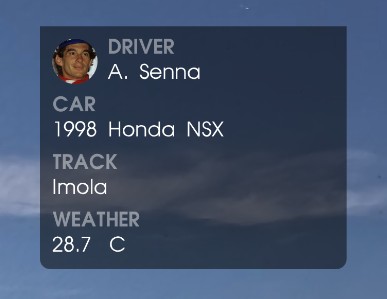
Driver name and photo, car, track, and weather. Only the fields you fill in are shown.
Accent color is yours to pick, and it runs through every element.
Drag in your .vbo and/or video.
Line up video and GPS on a zoomable dual-track timeline: audio loudness against GPS speed, with lap bands and nudge buttons.
Accent color, units, driver, car, and track info, plus an optional exhaust audio boost.
Watch the real overlay live, with full transport controls and fullscreen.
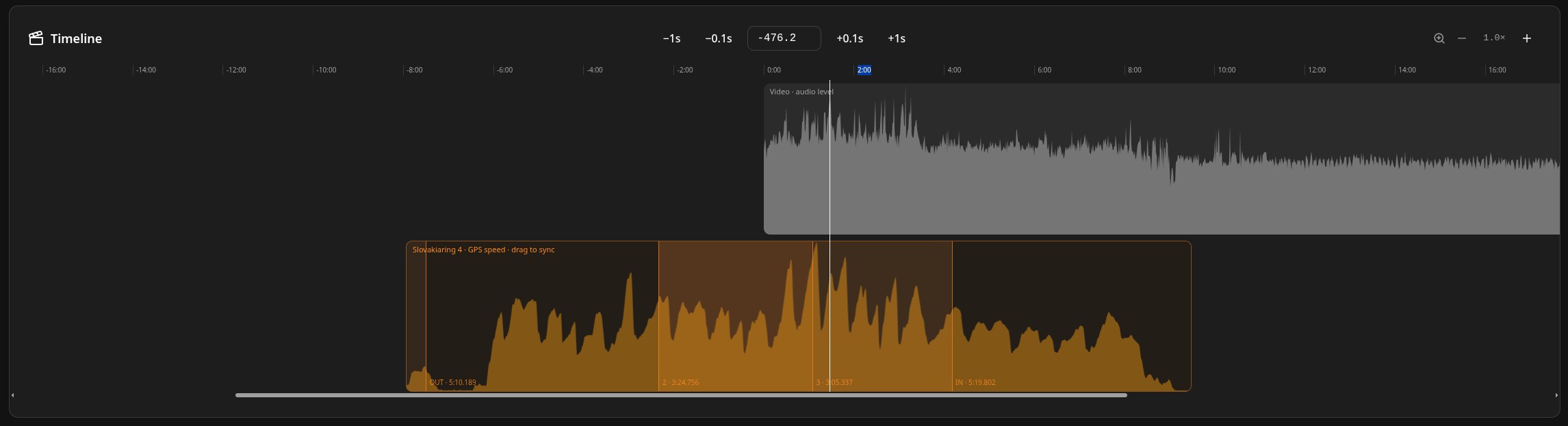
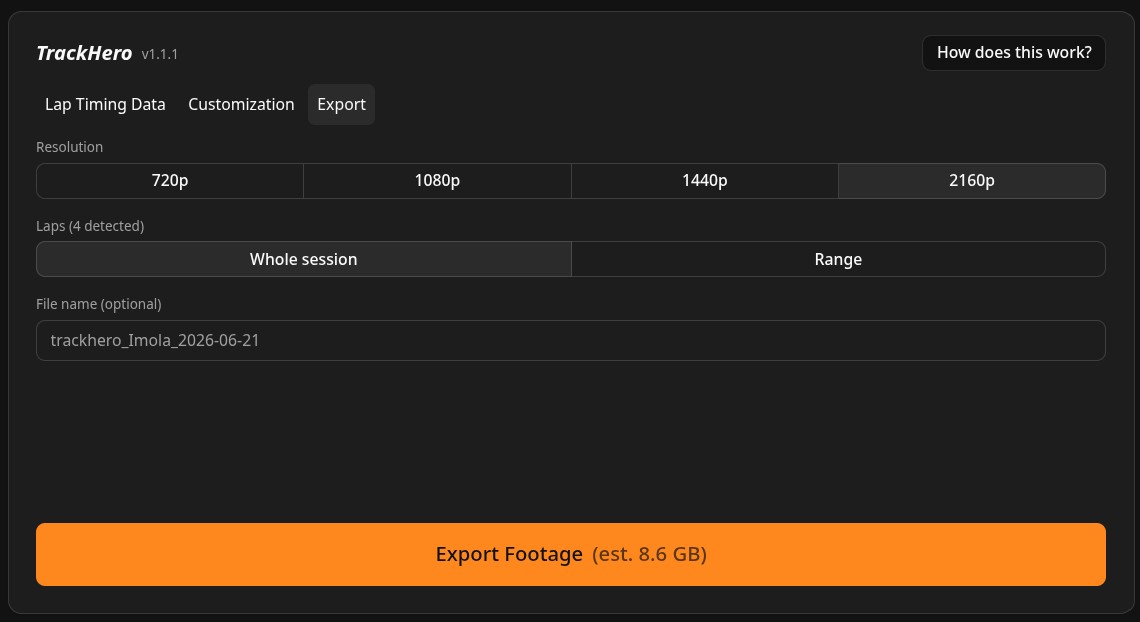
Pick a resolution from 720p up to 4K, capped at your source video so it never upscales. Render the whole session or just a lap range, with a file-size estimate up front and the finished MP4 streamed straight to disk.
Only got a .vbo and no video yet? TrackHero can also export the overlay alone, as a transparent-matte pair of files, to composite in your own editor later.
Parsing your GPS session, compositing the overlay, and encoding the final video all happen locally: no upload, no server round-trip, no account. The only network request TrackHero ever makes is an optional weather lookup if you fill in a track name.
The honest version. TrackHero is free and needs no install, but it requires desktop Chrome, and the paid desktop tools support more loggers and offer deeper customisation.
| Tool | Runs on | Price | Install | Watermark |
|---|---|---|---|---|
| TrackHero | Any desktop Chrome browser | Free | None (runs in the browser) | None |
| RaceRender 3 | Windows, macOS | Free edition, then $39.95 to $59.95 | Desktop install | Free edition is watermarked and capped at 3 minutes |
| Telemetry Overlay | Windows, macOS, Linux | $199 one-off | Desktop install | Trial is watermarked |
| DashWare | Windows | Free | Desktop install | None |
Pricing and platform details checked against each vendor's own site in August 2026.
We built TrackHero to see our own laptimes and compare lines at SlovakiaRing. Grab it for your own trackdays.
Try TrackHeroRuns in Chrome on desktop.